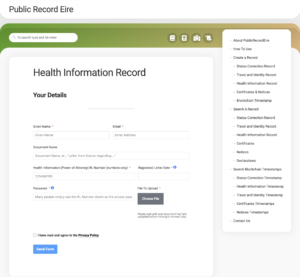
When you upload a document to PublicRecordEire, you create a ‘Password’ which is known to you.
In the event that you are not capable of providing this password, it should be known to the power of attorney identified on the back of your card.
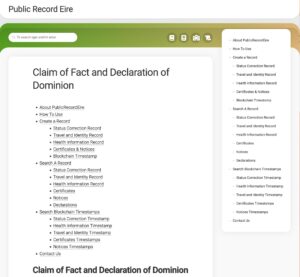
If you need to provide access to these documents, ie., a doctor or law enforcement officer, scan the QR code on the back of your card. This will bring you to PublicRecordEire.
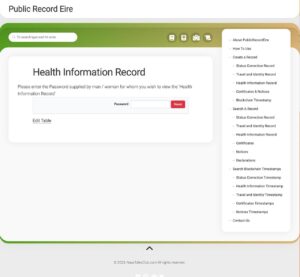
Here you can Search for a document, for example, Health Information Record
Enter the password and the information is displayed.
Working with PDFs
In order to upload documents to PublicRecordEire.com, we recommend using PDF format files.
You may have scanned your documents as image files so here is a link to the ‘I Love PDF’ website, which contains a lot of tools for working with pdfs.
Convert Image files to PDF: https://www.ilovepdf.com/jpg_to_pdf
You may also wish to merge multiple documents into one for ease of use.
Merge PDF files: https://www.ilovepdf.com/merge_pdf
Here’s a short video explainer: